What Is Auracast: A Quick Refresher
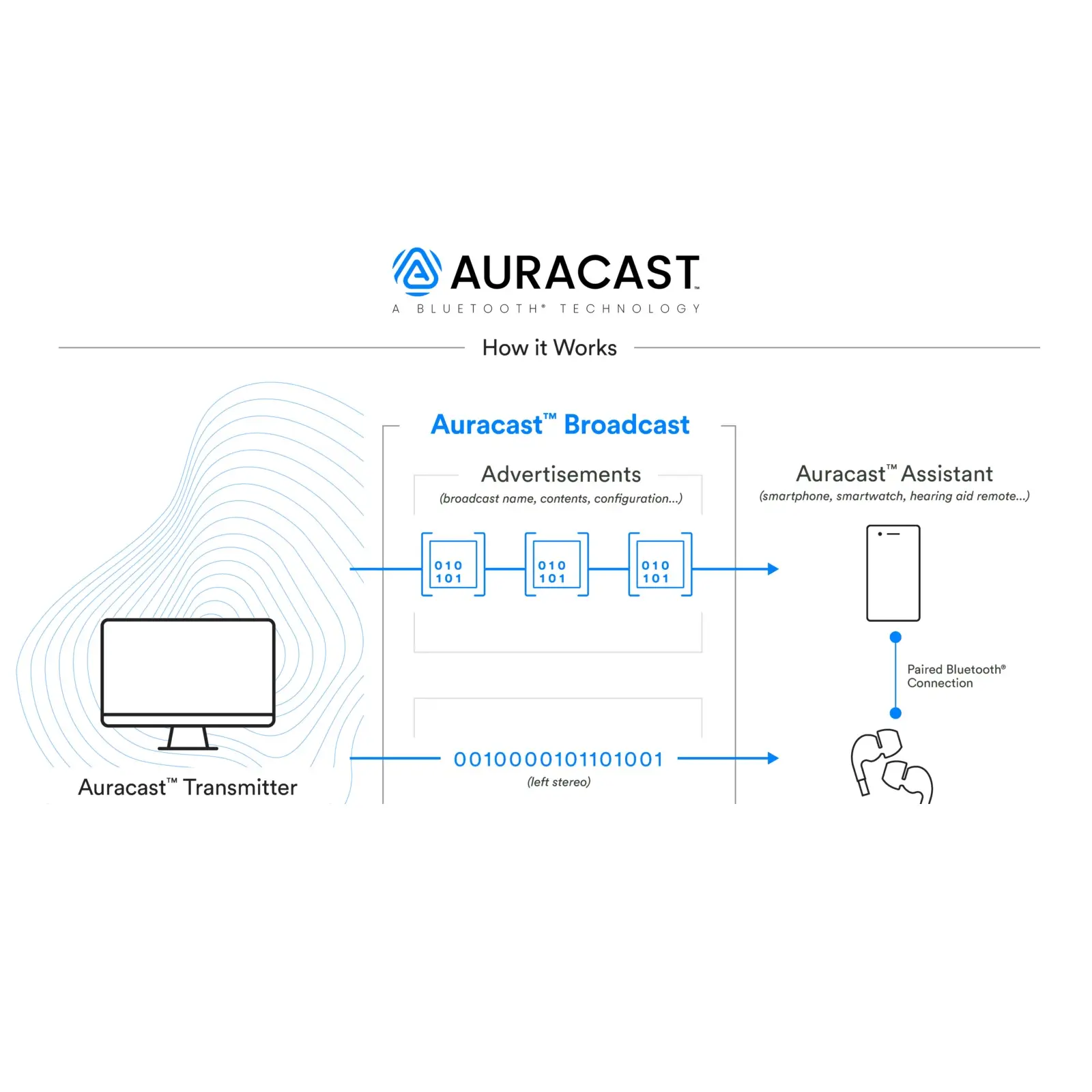
Auracast™ is the newest audio technology built on Bluetooth Low Energy (LE) Audio that transforms how sound is shared and accessed from public audio sources. Instead of traditional Bluetooth pair-and-connect monogomous models, Auracast works like a public audio broadcast, allowing audio to be streamed from a source transmitter (e.g., airport PA system, TV, gym monitors) to many compatible receivers at once, including earbuds, headphones, and hearing aids.
For people with hearing loss, especially those who rely on hearing aids, this means direct access to real-time audio from the environment or public systems, eliminating barriers like poor acoustics and limited assistive listening systems like induction loops which were never quite as widely adopted as once hoped.
So … What Is an Auracast Assistant?
At its core, an Auracast Assistant is a software interface that helps you discover, join, and manage Auracast audio streams, similar to how your phone helps you find and connect to Wi-Fi networks. This is important as Auracast connection isn’t really available natively yet.
Here’s what it actually does:
- Scans for Auracast broadcasts
- The assistant checks nearby devices or transmitters broadcasting Auracast audio.
- Lets you choose streams
- You can select the audio feed you want, whether it’s a TV broadcast, public announcements, or another audio source.
- Manages audio and device controls
- It often lets you start/stop the stream, switch languages, and adjust volume or hearing-aid settings tied to the broadcast.
In many current implementations (especially on hearing aids), the “assistant” isn’t a separate gadget. Rather it’s built into the hearing aid’s mobile app interface (like in ReSound’s or Starkey’s apps).
Why It Matters
Without an Auracast Assistant, even if your hearing aids support Auracast at the hardware level, you may have no simple way to find and join broadcast audio streams. The assistant fills that usability gap, turning the complex broadcast standard into something intuitive and accessible.
But Why is There No Simple Way to Find & Join Broadcast Streams at This Point?
Auracast is still early in its adoption curve. To work natively, several things must line up:
- Phones need updated Bluetooth LE Audio support
- Operating systems need Auracast discovery menus
- Public venues need Auracast transmitters
- Hearing aids need compatible hardware & firmware
We’re in that transition phase, which is why assistants are so important right now.
Even when Auracast is native, hearing-aid brand apps will still matter.
They may:
- Add custom hearing-specific controls
- Let you balance streamed audio vs. microphones
- Remember preferred venues or streams
- Offer accessibility shortcuts
So think of it like this:
- Native Auracast = universal door into broadcasts
- Auracast Assistants = hearing-specific enhancements and training wheels (for now)
Big Picture Takeaway
Native Auracast means:
- No pairing stress
- No special hardware workarounds
- No guessing which app you need
- Immediate access to public audio
Until that ecosystem is fully built out, Auracast Assistants from brands like ReSound and Starkey are the critical bridge, making sure hearing aid users can benefit now, not years from now.
Real-World Utility: Why Auracast Assistants Are Necessary
Auracast itself is a big leap forward, but here’s why the assistant component is so essential:
1. Simplifies Complex Technology
Auracast broadcast is powerful but unfamiliar to most users. An assistant makes it usable by turning a technical protocol into a simple interface for ordinary people.
2. Bridges the Device Gap
Not all devices (phones, tablets, TVs) have native Auracast selection interfaces yet. A dedicated assistant in a hearing-aid app ensures that users can still access streams even if their device doesn’t natively show Auracast options.
3. Improves Accessibility
For people with hearing loss, missing public announcements or struggling with background noise can be isolating. Auracast with an assistant brings audio directly to their aids. Allowing for announcements, displays, or entertainment audio streamed at comfortable listening levels.
4. Future-Proof Connectivity
As more public venues and home devices adopt Auracast, having an assistant means users can tap into this ecosystem immediately without waiting for broader OS-level support.
Auracast Assistants in Hearing Aids: ReSound and Starkey’s Takes
ReSound: The World’s First Auracast Assistant for Hearing Aids
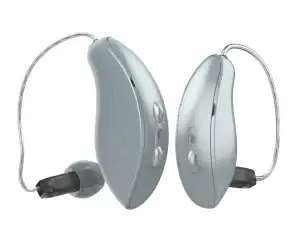
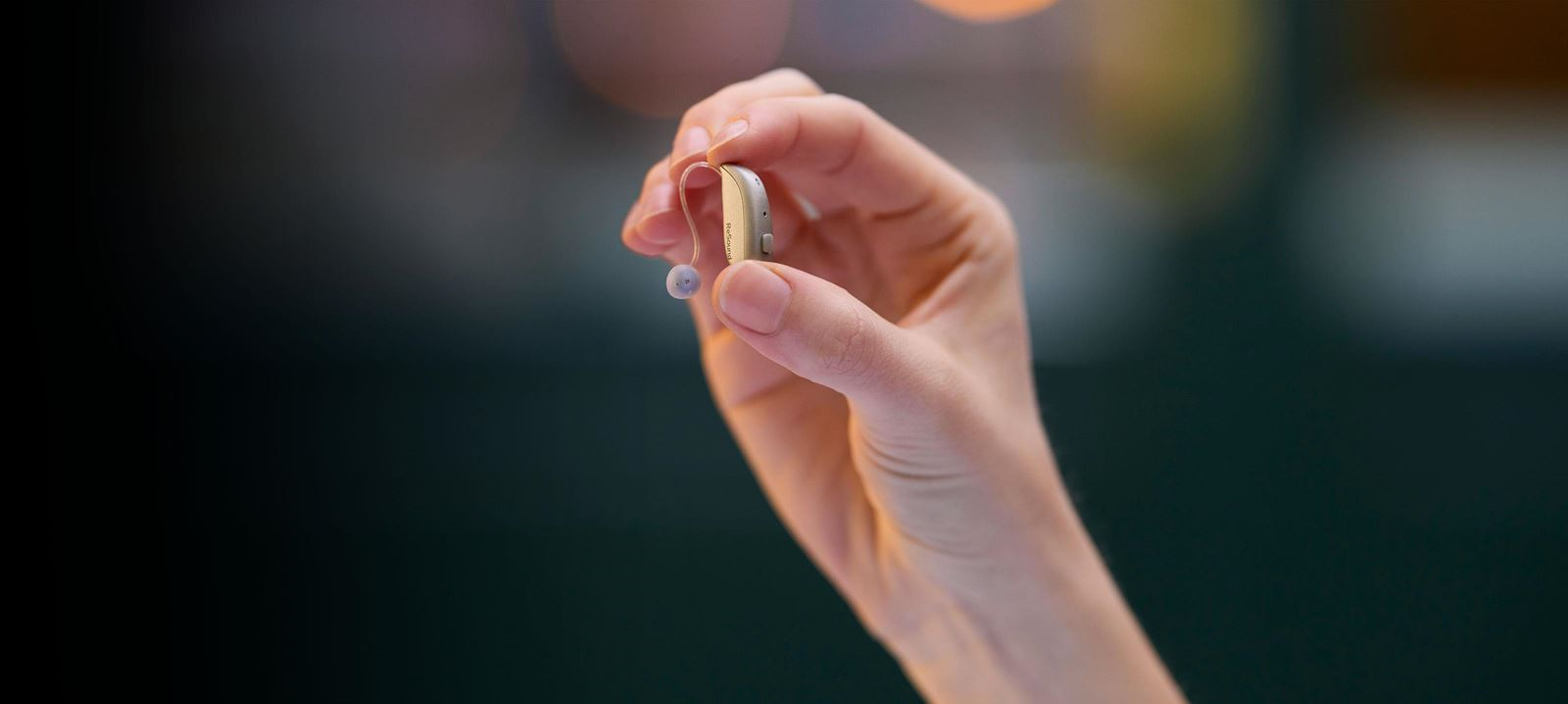
ReSound has integrated an Auracast Assistant directly into its Smart 3D™ app, letting users scan, select, and connect to Auracast broadcasts with a tap. This is marketed as the world’s first Auracast Assistant built specifically for hearing aids, and works with models such as:
- ReSound Vivia
- ReSound Savi
- ReSound Nexia
(and others that support LE Audio & Auracast)
With the ReSound assistant, users can choose from both public and private streams, connect easily through the app, and enjoy direct audio in their hearing aids, even if their phone doesn’t show Auracast natively.
Starkey: Auracast Assistant in MyStarkey App
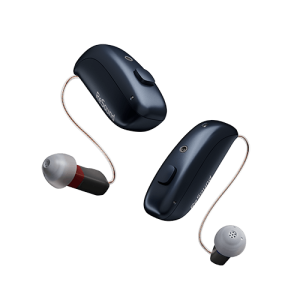
Starkey has also introduced an Auracast Assistant within its My Starkey app as part of its Omega AI hearing platform enhancements. The assistant enables users to:
- Tune into Auracast broadcasts directly to their hearing aids
- Start and stop streams from the app
- Adjust streaming and hearing aid mic volume
- Select alternate languages if available
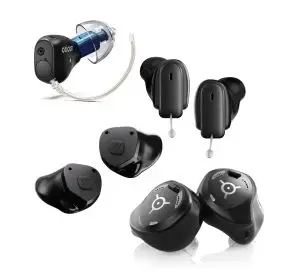
This new addition works with:
Starkey’s solution demonstrates how Auracast Assistants are becoming standard features in modern hearing platforms, enhancing connectivity and user experience.
A Real-World Example: Auracast in Action in Our Clinic
To really understand why Auracast, and Auracast Assistants matter, it helps to see it in action.
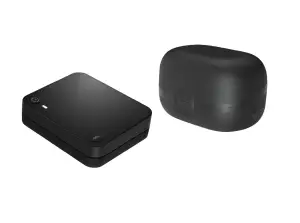
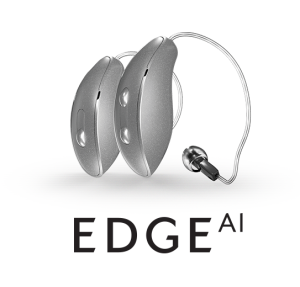
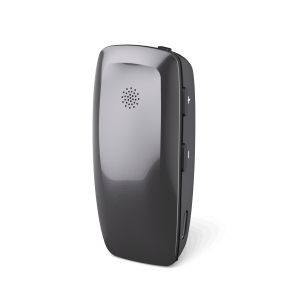
Recently in our clinic, we tested an Auracast-enabled Starkey Edge TV Streamer to see how flexible this new technology really is. Traditionally, TV streamers are locked to a single hearing aid brand. If you had ReSound hearing aids, you needed a ReSound streamer. If you had Starkey, you needed a Starkey streamer. Mixing brands simply wasn’t possible.
This time was different.
We set up the Starkey Edge TV Streamer and began streaming TV audio. One listener was wearing Starkey Edge hearing aids, and another was wearing ReSound Nexia hearing aids — two different manufacturers.
By opening the Auracast Assistant inside the ReSound Smart 3D app, we were able to:
- Scan for available Auracast broadcasts
- Locate the Starkey Edge TV Streamer
- Enter the streamer’s unique Auracast code
And voilà! the TV audio streamed simultaneously to both pairs of hearing aids, across two different brands, at the same time.
This is something we have never been able to do before in hearing care.
Why This Matters
This simple in-clinic test highlights the true promise of Auracast:
- Brand-agnostic streaming: audio is no longer locked to one manufacturer
- Shared listening experiences: multiple people can listen together, even with different hearing aids
- More freedom and flexibility: patients aren’t limited by proprietary accessories
And most importantly, it shows how Auracast Assistants make this possible today, even before Auracast becomes fully native across all devices.
What once required multiple streamers, workarounds, or wasn’t possible at all… now works with a few taps.